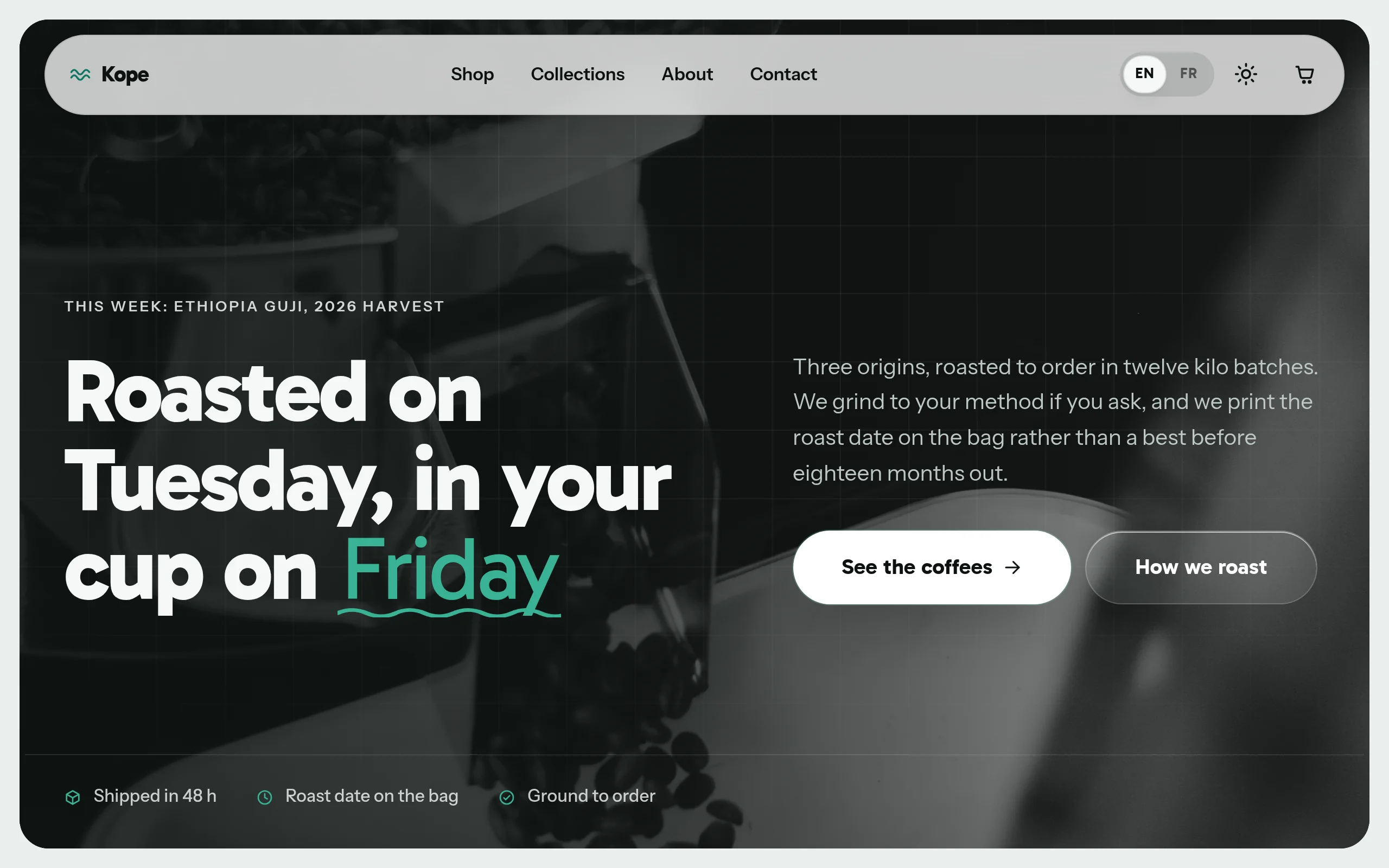
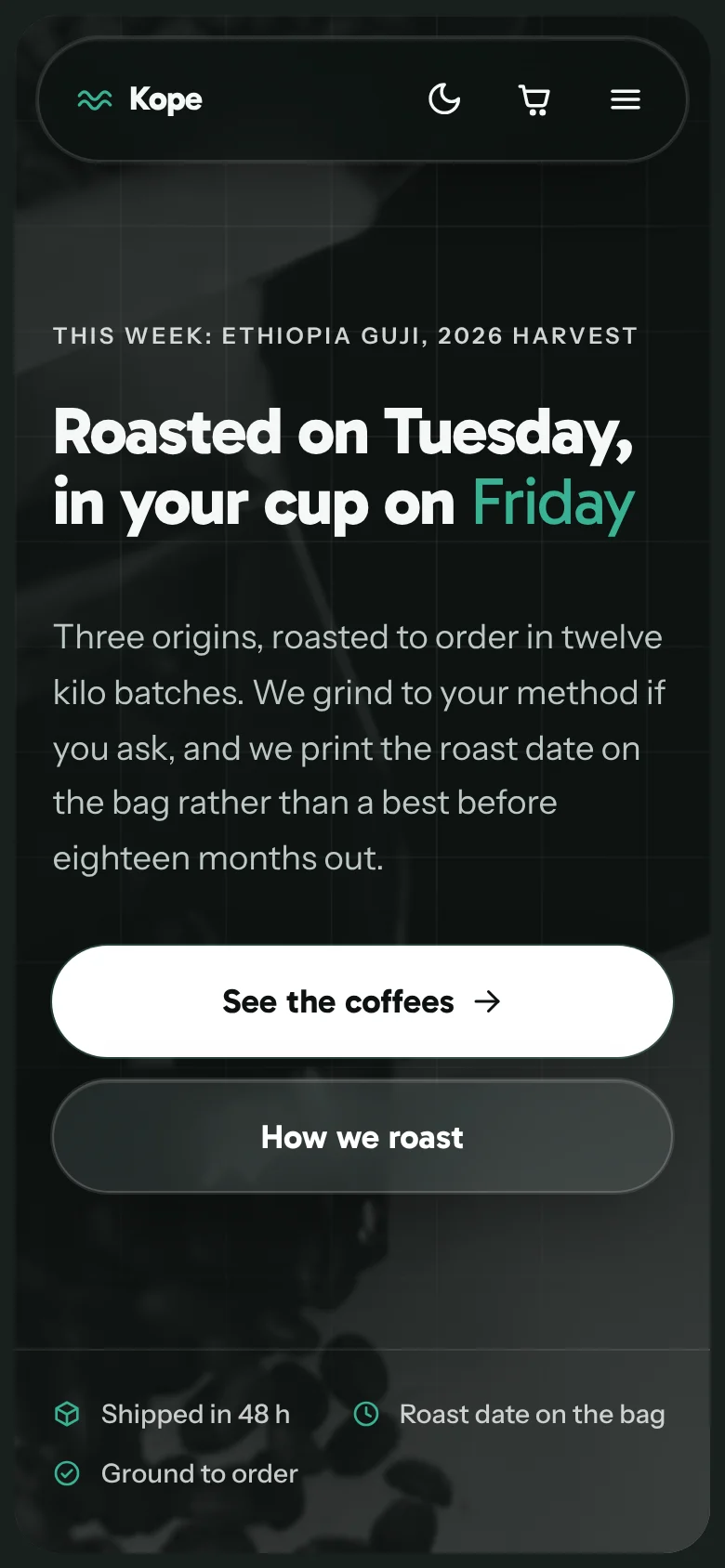
Kona's EmDash back office
The back office, exactly as you'll get it.
The journal editor
Page copy
Journal notes
Headless Shopify
Kona
The Astro storefront for an existing Shopify shop: your catalogue shows on a separate site, with no app to install, and the order completes in your Shopify checkout.
Who it is for
- A Shopify shop that wants a lighter storefront without leaving Shopify
- A brand already paying its subscription and unwilling to add one more app
- Anyone who wants to keep checkout, orders and stock exactly where they are
What is distinctive
- No app, no access key: your original Shopify theme stays in place
- The cart sends the order to Shopify checkout, with your usual payment methods
- Who runs what: products, prices, stock and orders stay in Shopify; copy, pages and journal are run from EmDash, where one click re-reads the catalogue
What is inside
- Your Shopify catalogue on show, with no app to install
- Variants, collections, filters and cart; payment happens in your Shopify checkout
- Catalogue, stock and checkout in Shopify, the rest of the site in EmDash
- Try it straight away on a demo catalogue, before connecting your shop
Counted in a real build
- Built pages
- 52
- UI primitives
- Same foundation, count not published
- Bilingual
- Capacitor
- Documentation
- Updates
Every number is counted from each theme's actual build output. Nothing here is an estimate.
Headless Shopify with Astro, without the Storefront API
Kona is the storefront half of a Shopify shop: Shopify keeps the checkout, the payments and the apps you pay for, Astro builds the pages customers load.
Where the catalogue comes from
Every live Shopify shop publishes its catalogue as plain JSON, on the same host as its storefront, with no authentication: /products.json, /collections.json, and /collections/handle/products.json. These are the files the official Liquid themes already read, served for a decade. Kona reads them at build time, from a server, and emits static HTML.
So there is no app to install, no Storefront API token, no GraphQL query, no scope to grant and no Liquid theme to edit. The only value Kona needs is SHOPIFY_STORE_URL, the address of your storefront. Sell the site to a client and you never ask for admin access. Paste the admin address by mistake and the theme converts it for you: that mistake answers 200 in HTML, so nothing else catches it.
Collections, variants, filters, and a checkout that stays on Shopify
Collections become shelves, product options become filters, and each variant keeps its own price and availability. Photographs come straight from the Shopify CDN, resized by it. The cart lives in the browser and holds three things per line: handle, variant id, quantity. At checkout those lines become a Shopify cart permalink, a native address, and the shopper lands on your checkout with your payment providers and apps. Kona never takes a payment, holds no secret and sees no card.
Three things the public JSON does not carry, and Kona does not invent. The currency, set once in the theme and confirmed against the shop by pnpm shopify:check. Exact stock quantities, so the theme says in stock or sold out, never that two are left. Ratings, which live in an app, so no aggregate rating is written at all.
Run the theme before you connect anything
Leave SHOPIFY_STORE_URL empty and Kona serves its own demo catalogue offline: eight products covering options that cross, a sale price, a sold out variant inside an available product, and overlapping shelves. Unzip, install, run: a shop is on screen before any store is connected. Then pnpm shopify:check reads a real shop in one command and reports what its public JSON answers: products, variants, whether the cart permalink responds, which currency the shop declares. It builds nothing and runs on plain Node, so a merchant can test their shop before buying the theme.
What it costs you
The catalogue is frozen at the moment of the build. Add a product in Shopify and it is not on the storefront until the site is built again; the same goes for a price or a variant that just sold out. That is what static HTML costs, and a page that lists only advantages is not worth reading.
The answer is a rebuild nobody has to remember: a deploy hook at your host, called by a Shopify webhook when a product changes, or a rebuild on a schedule. Kona ships neither, because both belong to your host rather than to a theme. Availability is the case to weigh hardest: between two builds the storefront can still offer a variant that has sold out, and the shopper finds out at checkout.
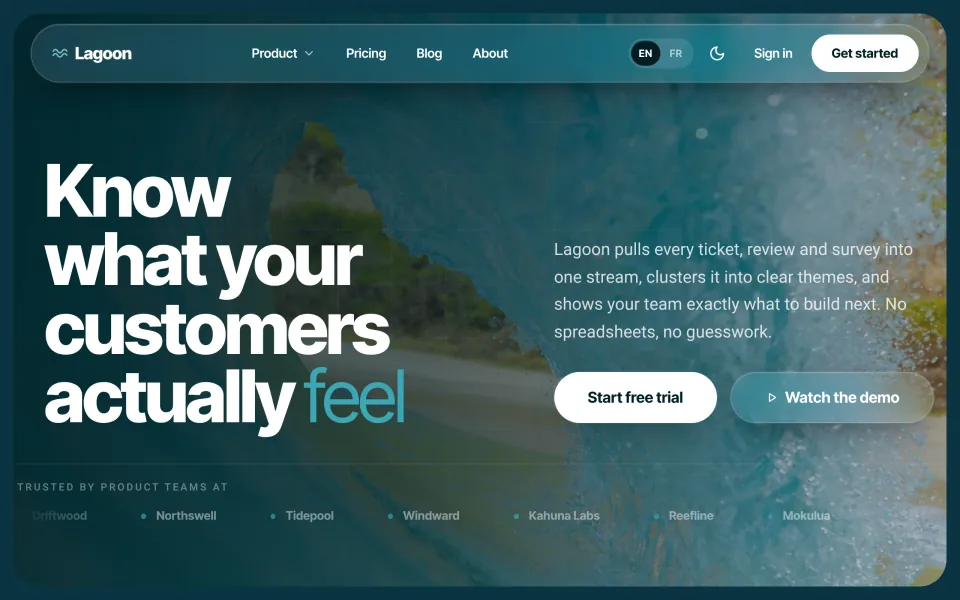

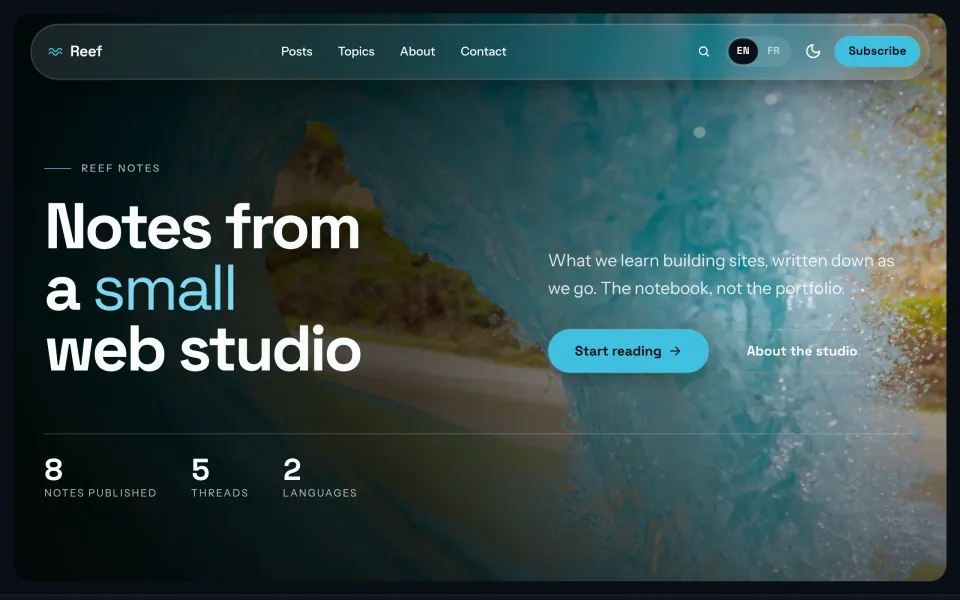


All-Access Pass
One purchase, the whole shelf
The seven themes of the family, updates included. One payment, no subscription.
All-Access Pass
The seven themes and every update
179EUR
Bought one by one, the paid themes come to 624 EUR.
You keep 445 EUR
VAT not applicable, article 293 B of the French tax code
- Aloha, the SaaS theme, 59 EUR on its own
- Reef, the publishing theme, free and MIT
- Swell and Koa: landing page and portfolio, 59 EUR each
- Kai, the shop, 149 EUR on its own
- Nalu, the headless WooCommerce storefront, 149 EUR on its own
- Kona, the headless Shopify storefront, 149 EUR on its own
- Every theme later added to the family, at no extra cost
- Every published update, up to the next major version of each theme
- One licence, one developer, unlimited end products for you or your clients
What you get today
The seven zips download the moment you pay. Every demo is online, so you can judge before you do.
Secure Stripe checkout 14 day refund Proper invoice