Documentation
Manage your site without code
Once the site is online, everything a visitor sees is changed from the back office: no file to open, no build to run. This page tells you what is in it, and where to find the full guide shipped with your theme.
What changes without code
In all seven themes, with the engine on (the site then runs on Cloudflare, on a Workers Paid plan), these are changed from the back office and are online as soon as they are published. One exception: the Kona and Nalu catalogue (products, prices, collections) is changed in Shopify or WooCommerce and shows after "Mettre le site à jour".
- every text of every page, straight on the page or in the back office
- photos, videos and their poster, and the share image of each page
- button labels and the address each button leads to
- blocks to hide or show again, one switch per block
- menus, the phone menu, the footer columns and their links
- site name, logo, favicon, social links
- brand colour, picked among five colours
- prices, products, testimonials, questions, depending on the theme
- new pages, with their own address, and the search engine settings of every page
- redirections from an old address to a new one
With the engine off, the theme builds as plain static files and the same content lives in text files, as before.
The guide shipped with your theme
Every zip carries docs/administer.md (English) and docs/administrer.md (French): a numbered step by step guide, written for someone who has never opened the code, with the exact labels of each screen. It starts at the sign in and also says what still needs a developer. If you build the site for a client, hand the guide over as it is: it was written for them.
Sign in
Open the address of the site followed by /_emdash/admin and sign in with a passkey (fingerprint, face or device code). Two roles matter: an editor changes the content, the menus and the redirections; an administrator also changes the site settings, the users, and when the theme has them, the emails and the orders.
The edit bar, on the site itself
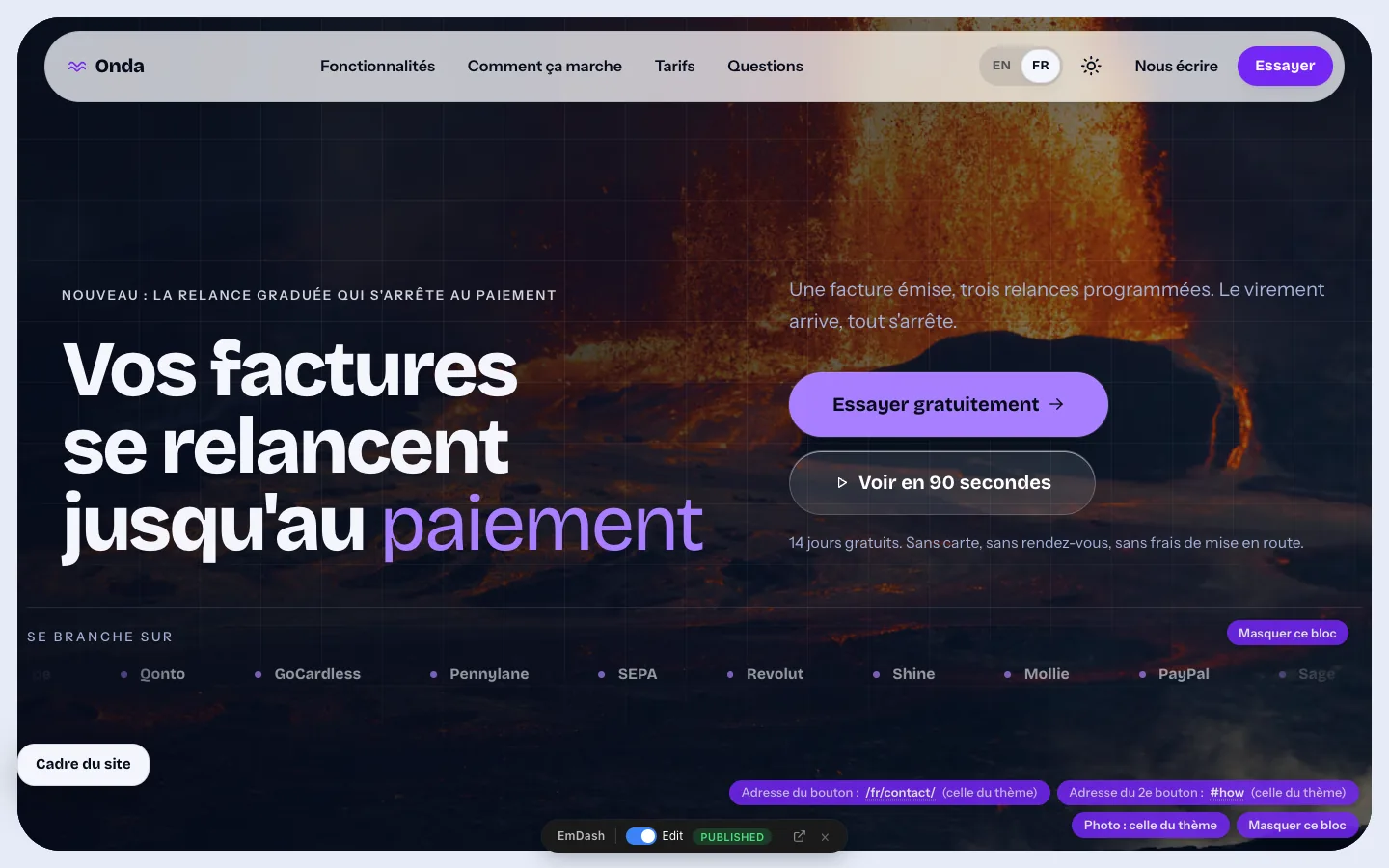
Signed in, open any page of the site: a small bar appears at the bottom of the screen, on every page, the not-found page included. Switch on "Edit", click a text, type, press Enter: it is saved as a draft and visitors see nothing yet. "Publish" puts it online. The words of the bar come from the engine and stay in English.
In edit mode, small labels appear on the blocks for what is not a text: the address of a button, the photo, the video, the switch that hides the block. The "Cadre du site" panel, bottom left, leads straight to the menus, the site settings, the texts of the header and footer, the pages, the redirections and the media library.
The site emails
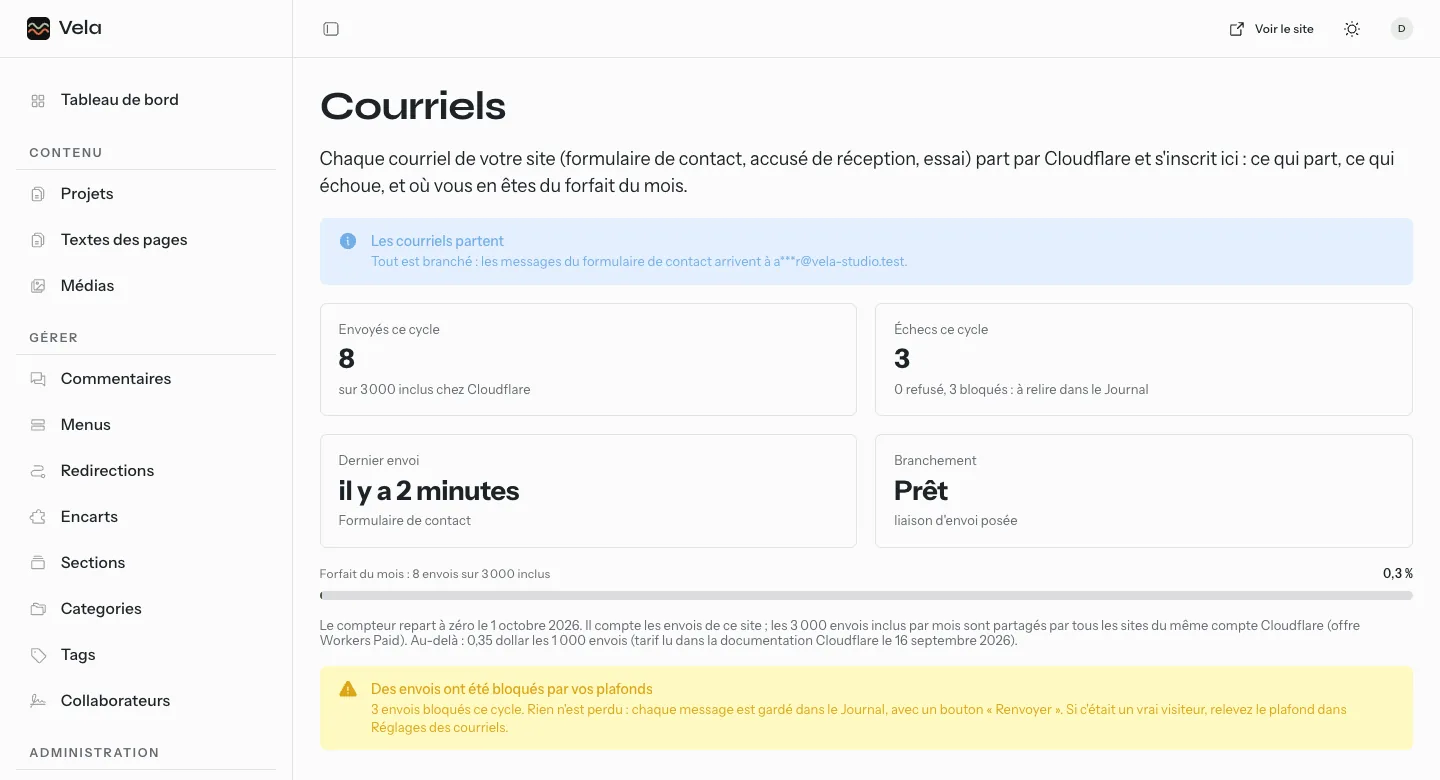
In all seven themes, the site emails (the contact form, the Reef, Aloha and Swell newsletter, the orders and stock alerts of Kai) go through Cloudflare and are managed in four back office screens: "Courriels" (what left, what failed, the month's usage against the plan), "Journal des courriels" (every send, with a button to send it again), "Brancher les courriels" (what is still missing, the DNS records of the sending domain read live) and "Réglages des courriels" (sender, recipients, acknowledgement to the visitor, caps).
The sending domain is registered once at Cloudflare Email Sending, by the person who installed the site: the screen tells them what to do. Addresses are masked on screen, and nothing is hard coded: what the client cannot change from the screen does not exist.
Selling online, from Kai to the alohapixel.app shop
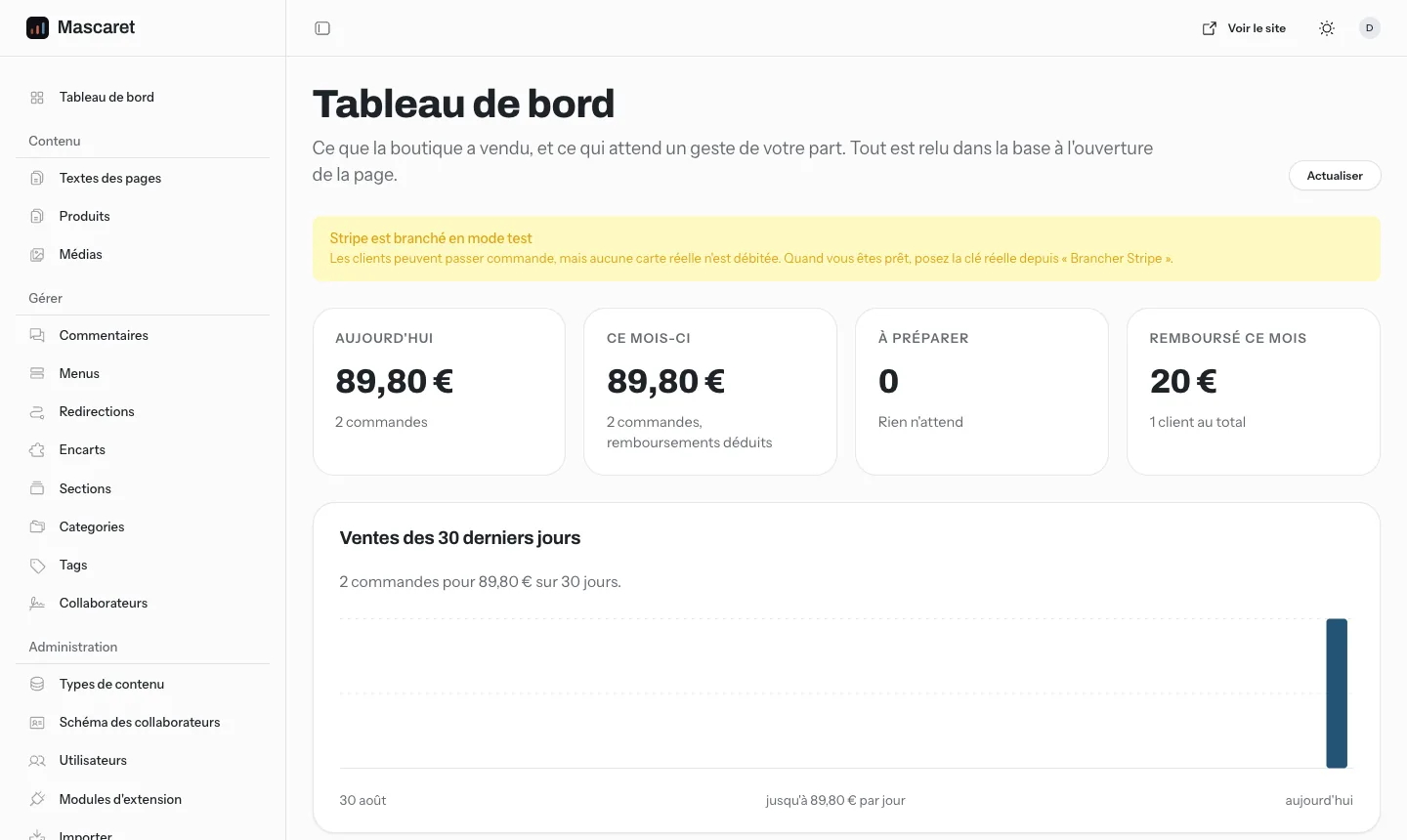
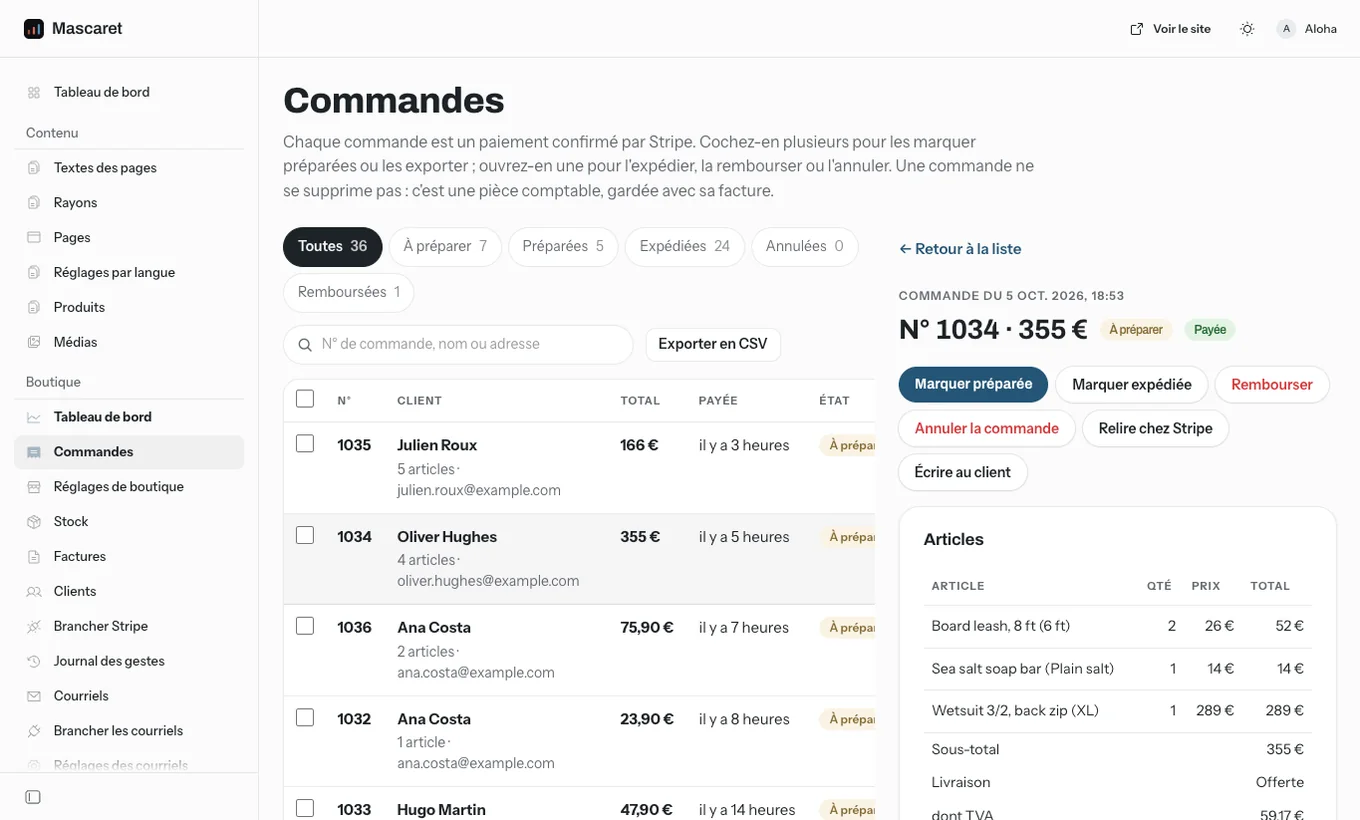
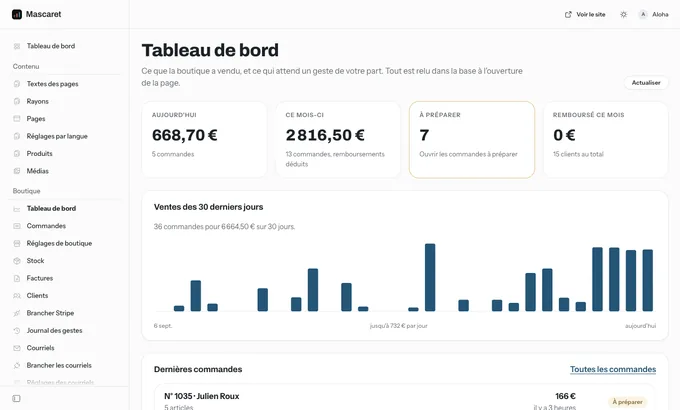
Kai takes payment through Stripe Checkout and manages its orders in the back office: "Tableau de bord", "Commandes", "Clients", "Réglages de boutique", "Brancher Stripe", "Journal des gestes", "Stock" and "Factures". Only an administrator sees them. A product is added in "Produits", "Ajouter" (Kai guide, part 12). Its stock is counted in "Stock": a quantity per product, and per option if needed, an alert threshold and pre-orders. Every paid order takes off what was sold, two customers cannot both buy the last item, an email warns at the threshold and when sold out, and the product page turns to low stock then sold out. A quantity left empty is not counted.
The shop settings are read by the product page, the shop and the cart: prices typed and shown tax included or excluded, VAT rate, the French 293 B exemption, currency, shipping (free, flat or by zone, free above an amount), shipping delay and a line under the price. A refund, full or partial, is made at Stripe from the order sheet, after a confirmation. Without the two Stripe secrets, the cart stays the demonstration one and nobody can pay. With Kona and Nalu, products, prices, taxes and payment stay those of Shopify or WooCommerce, whose checkout is authoritative: their "Produits" screen links to the store, and availability is read again at each visit.
The alohapixel.app shop, which sells these themes, runs on an EmDash back office too: we sell what we use.
Anything that goes through an outside service depends on your account there and on its terms: Kai's payments and refunds at Stripe, the emails at Cloudflare, the Kona and Nalu catalogue and checkout at Shopify or WooCommerce. The back office drives these services, it does not replace them: opening the account, the fees, payout and refund times remain the provider's.
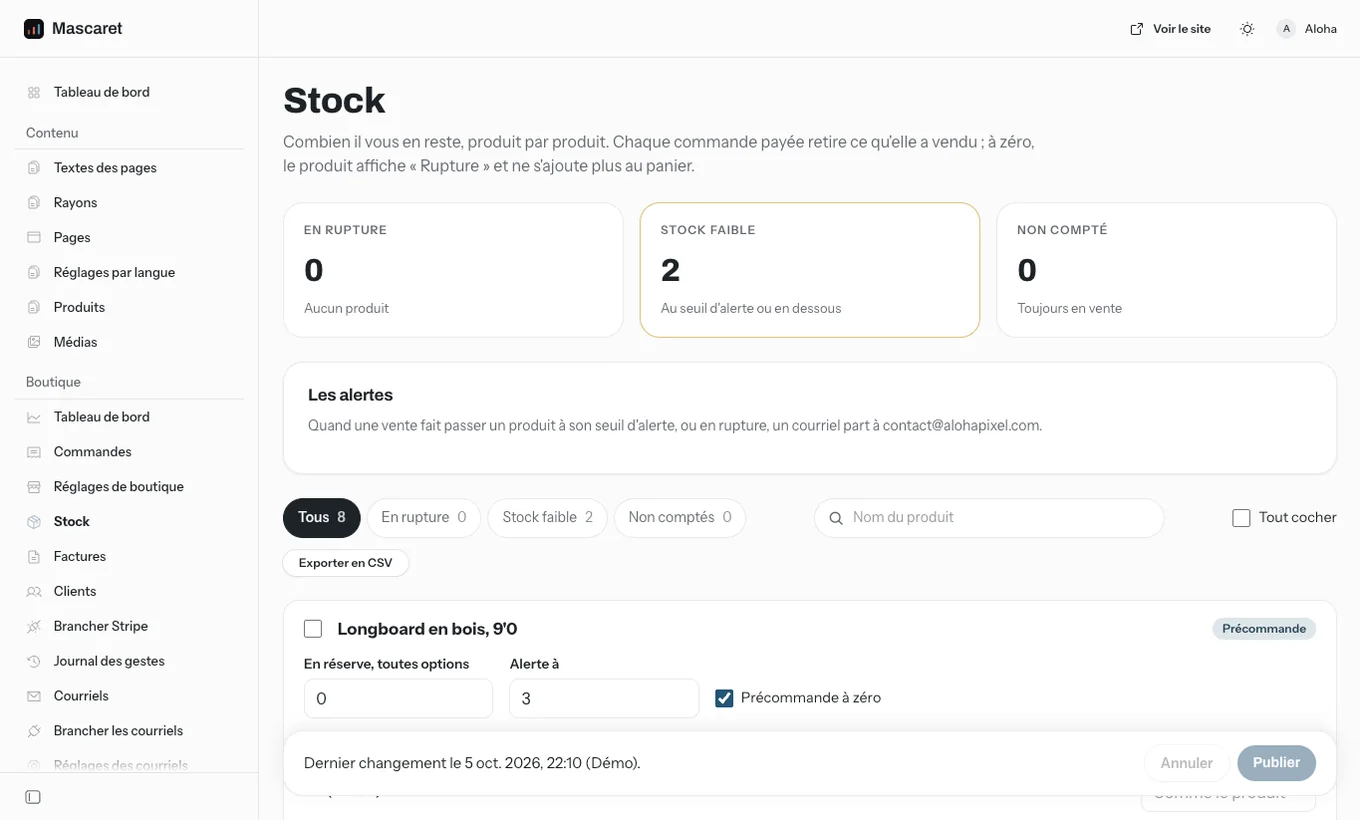
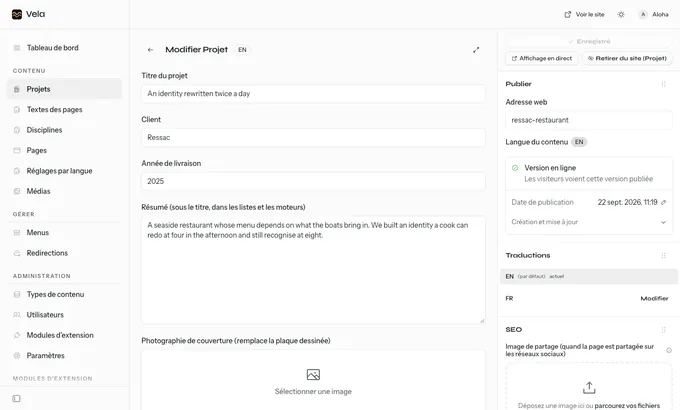
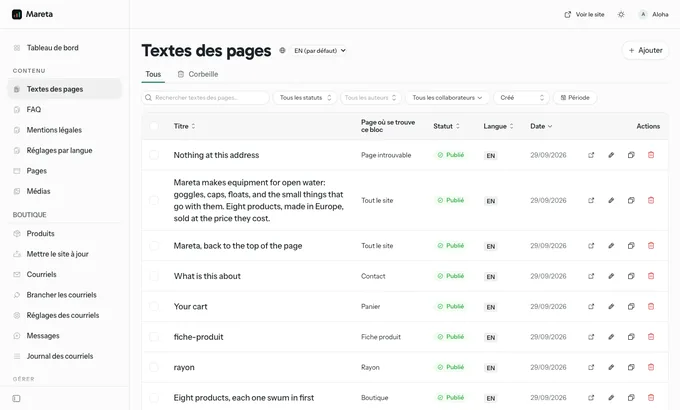
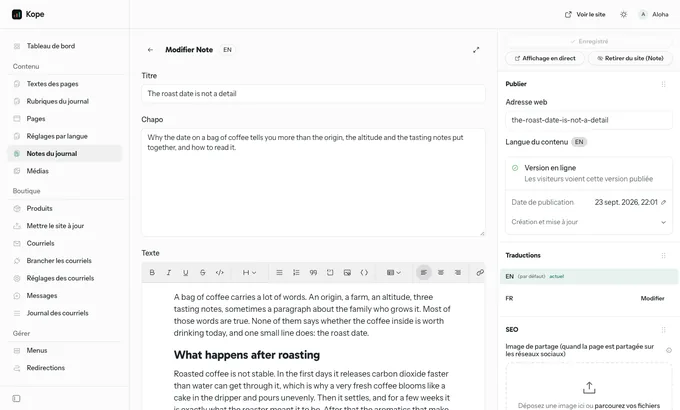
Each theme's back office, in pictures
Three real screenshots of each theme's EmDash back office, taken in its demo. Every catalogue page shows its own, full size, under the screenshot of the site.
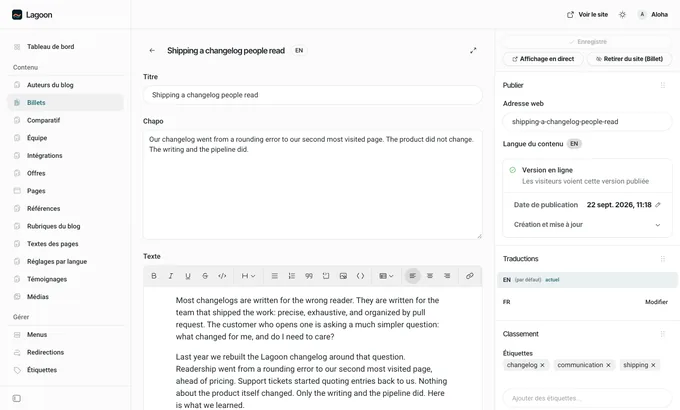
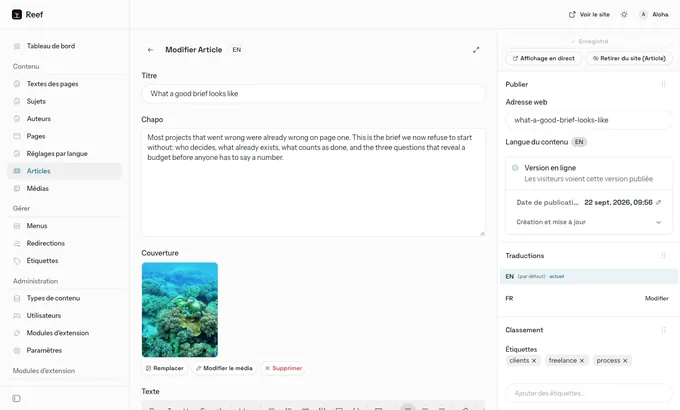
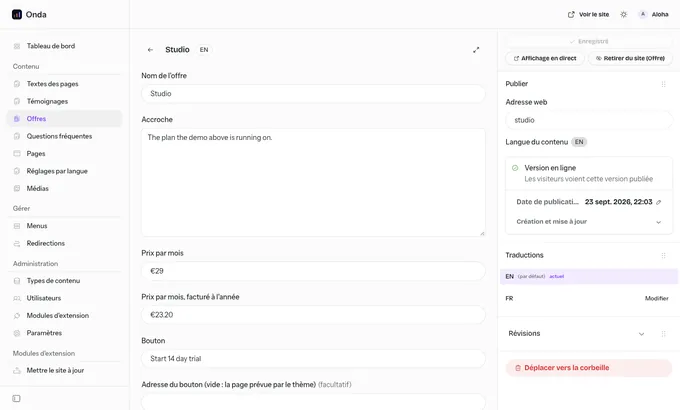
Update a site that is already online
An online database holds what the editor changed: a new release never overwrites it. A release that changes the database ships a file migrations/import-<version>-<theme>.sql, applied one release after the other, in order. Without --appliquer, nothing is written: you first see everything that will change, and what the editor already modified is left as it is.
From the theme folder, with the name of the site's database (<theme>-moteur by default):
npx wrangler d1 time-travel info <theme>-moteur        # the rollback bookmark, write it down
node scripts/base-3.4.0.mjs --remote <theme>-moteur --sql migrations/import-<version>-<theme>.sql              # the plan, nothing written
node scripts/base-3.4.0.mjs --remote <theme>-moteur --sql migrations/import-<version>-<theme>.sql --appliquer  # columns, then the SQL
pnpm build:moteur && bash scripts/deployer-frontal.sh   # the engine, then the front Worker that serves pages
Every theme's docs/moteur.md gives the same steps with the theme's own names.
One foundation for the seven themes
The seven themes share the same foundation: the same back office screens, the same edit bar, the same emails module, the same upgrade path. Learn one theme and you know how to run the others.
What still needs a developer
- the order of the blocks on a page, a new kind of block, the layout and the drawing of the site
- a typeface other than the theme's
- the generic interface texts (accessibility, language switch, menu button) and the cookie banner
- the addresses of the theme's own pages and the robots.txt file
- the one-time connections: the sending domain for emails, the two Stripe secrets for Kai

Ready to build on solid ground?
Buy once, own it, ship as many end products as you like.
14 day refund, no questions asked.